
Project Optimise Tool - Now UE5.8 Compatible
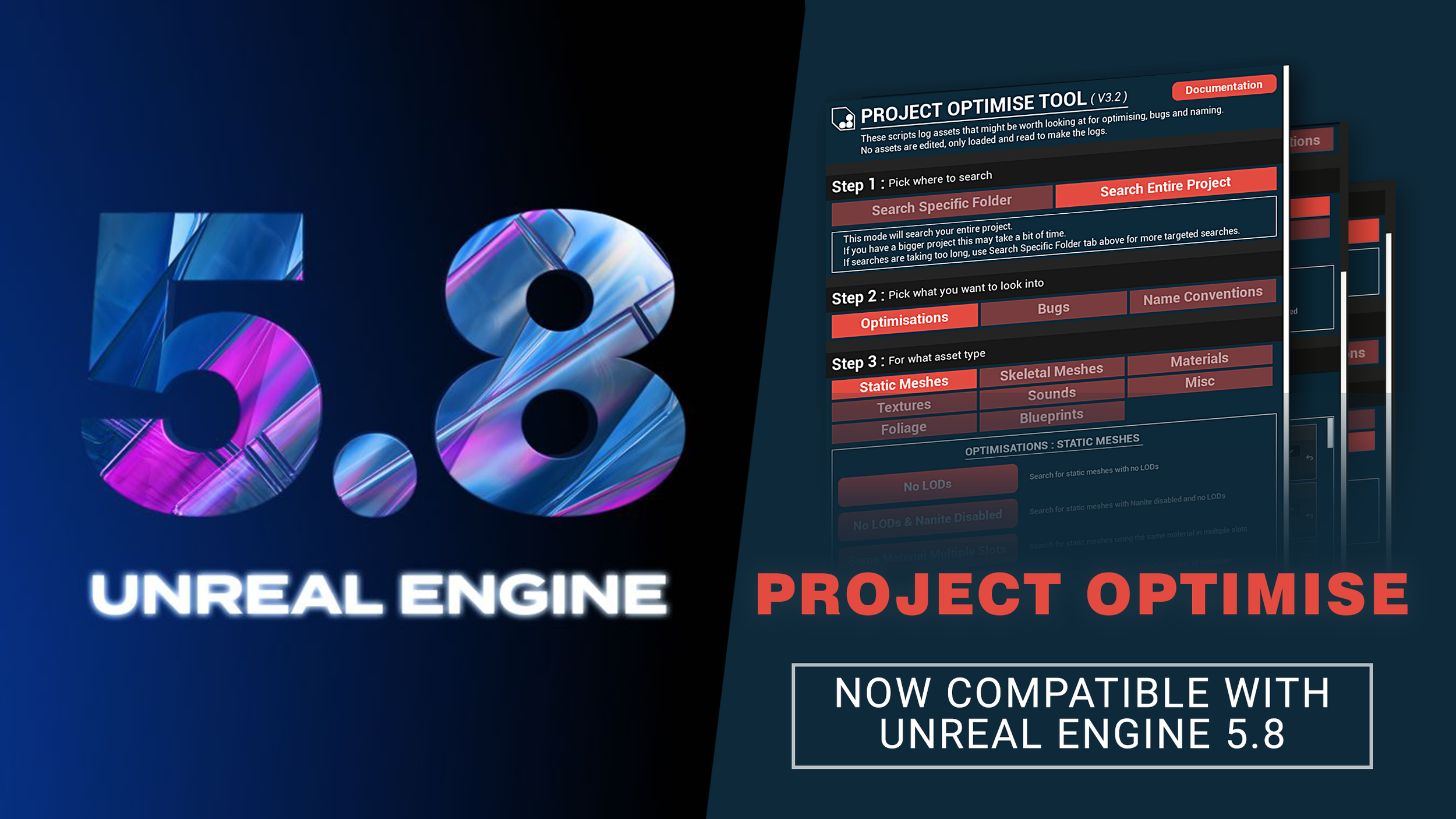
Project Optimise Now Supports Unreal Engine 5.8
Unreal Engine 5.8 came out of preview and is now fully live, so I updated my Project Optimise Tool. I did a bunch of testing and had to make a small fix in order to get it fully working with this engine version. But now it’s working well, and I uploaded the new versions to the FAB store so you can get hold of it right now!
If you upgrade your project to UE 5.8 and want to continue using Project Optimise, please remove the previous version of the tool and add the new 5.8 build to your project, as there is now a 5.8-specific version which includes required changes to work with the engine version.
In case this is the first time you are hearing about the tool…
What is Project Optimise?
Project Optimise helps you take a holistic look across your entire Unreal Engine project. Helping you identify bugs and optimisation opportunities throughout your content library, all without modifying your project.
Search For 24 Different Types Of Optimisations
Search For 10 Different Types Of Bugs
Identify Bad Naming Conventions
Below you can see a GIF of me using the tool to:
Search the entire project - For static meshes - With No LODs & Nanite Disabled
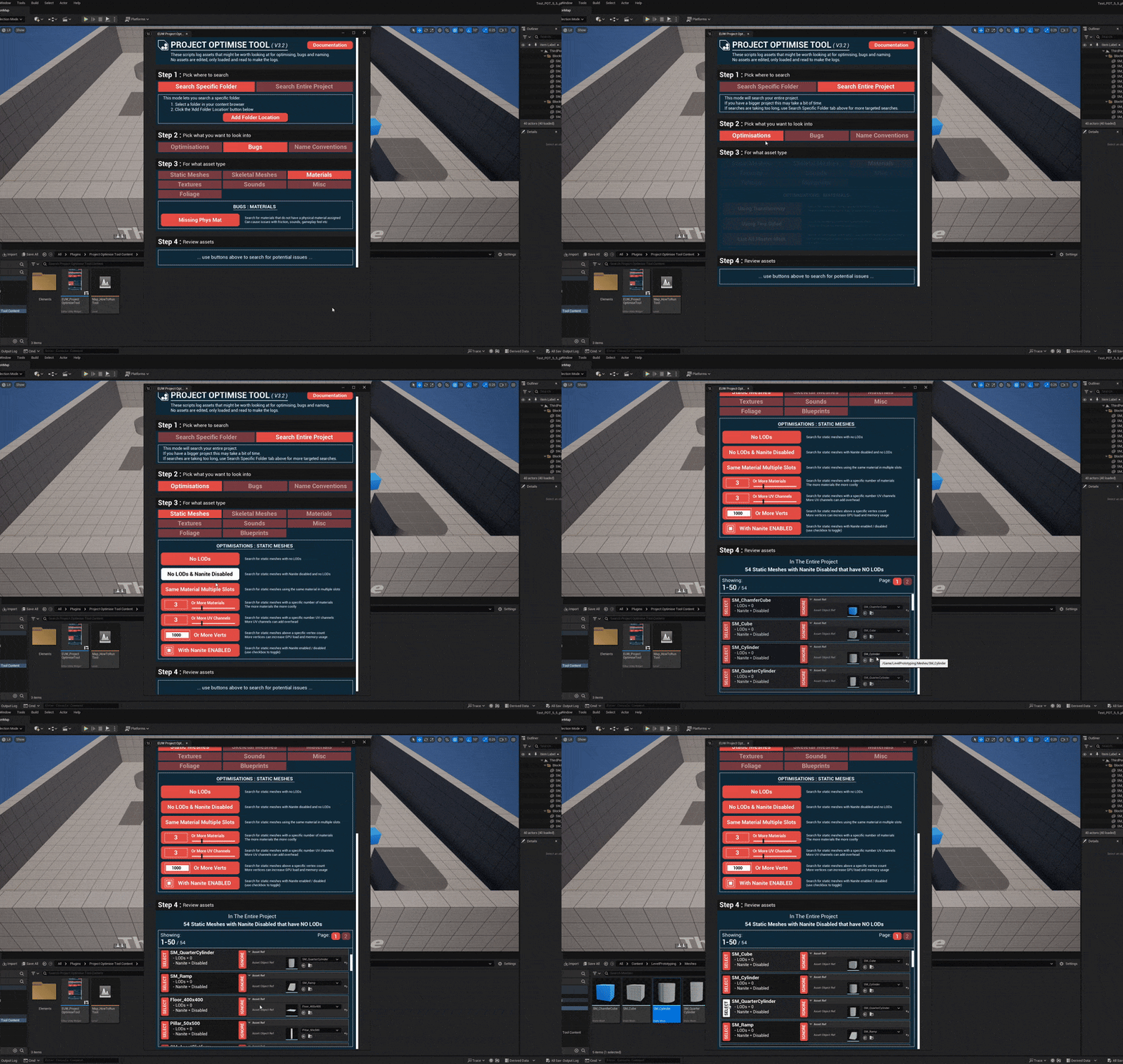
In this example above, the tool flagged 54 static meshes that could be optimised. What you do with that information is entirely up to you. You might:
Enable Nanite on those meshes
Add LODs
Or decide that the current setup is correct for your project
It all depends on your specific needs, because every Unreal Engine project is different.
This is exactly why Project Optimise never modifies anything in your project. It only reports issues and opportunities. It’s up to you to decide what actions make sense for your workflow, art style, and performance goals.
You can also check out the short overview video below to help give you a quick understanding of what the tool can help you with!
Good luck in finding bugs and optimisations!