
Level Optimise Tool - Now UE5.8 Compatible
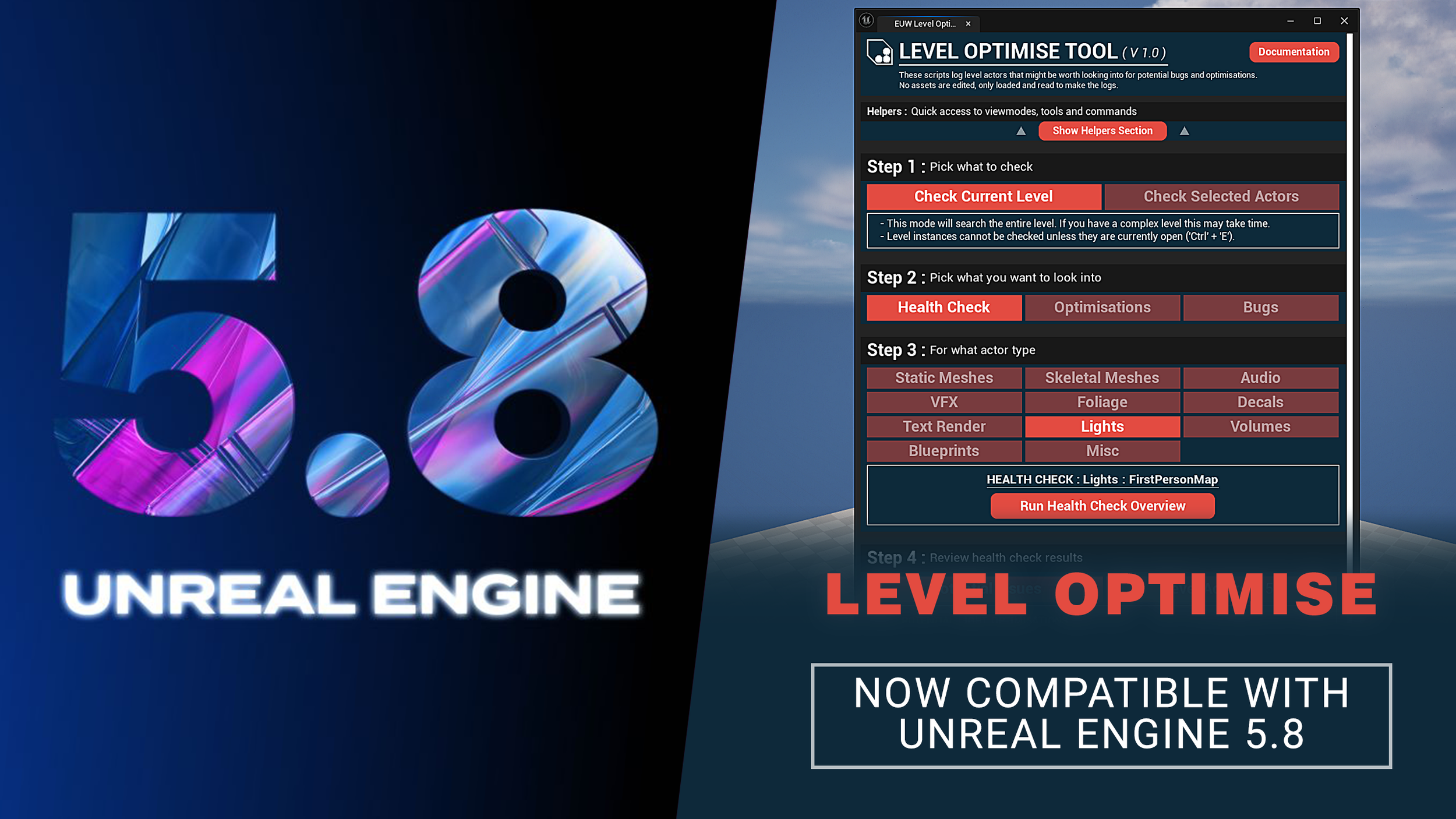
Level Optimise Now Supports Unreal Engine 5.8
Unreal Engine 5.8 came out of preview and is now fully live. So I updated my Level Optimise tool to work with this new engine version. I did a bunch of testing to make sure everything was as it should be, and uploaded the new version to the FAB store so you can get hold of it!
If you upgrade your project to UE 5.8 and want to continue using Level Optimise, remove the previous version of the tool and add the new 5.8 build to your project, as there is now a 5.8-specific version which includes required changes to work with that engine version.
In case you don’t know what Level Optimise is…
What is Level Optimise?
Level Optimise is a tool designed to help you quickly identify optimisation issues and potential bugs across all the actors in your Unreal Engine 5 level.
Below you can see it in action: Running a Health Check on static meshes and lights in my level, instantly reporting all the potential issues it finds.
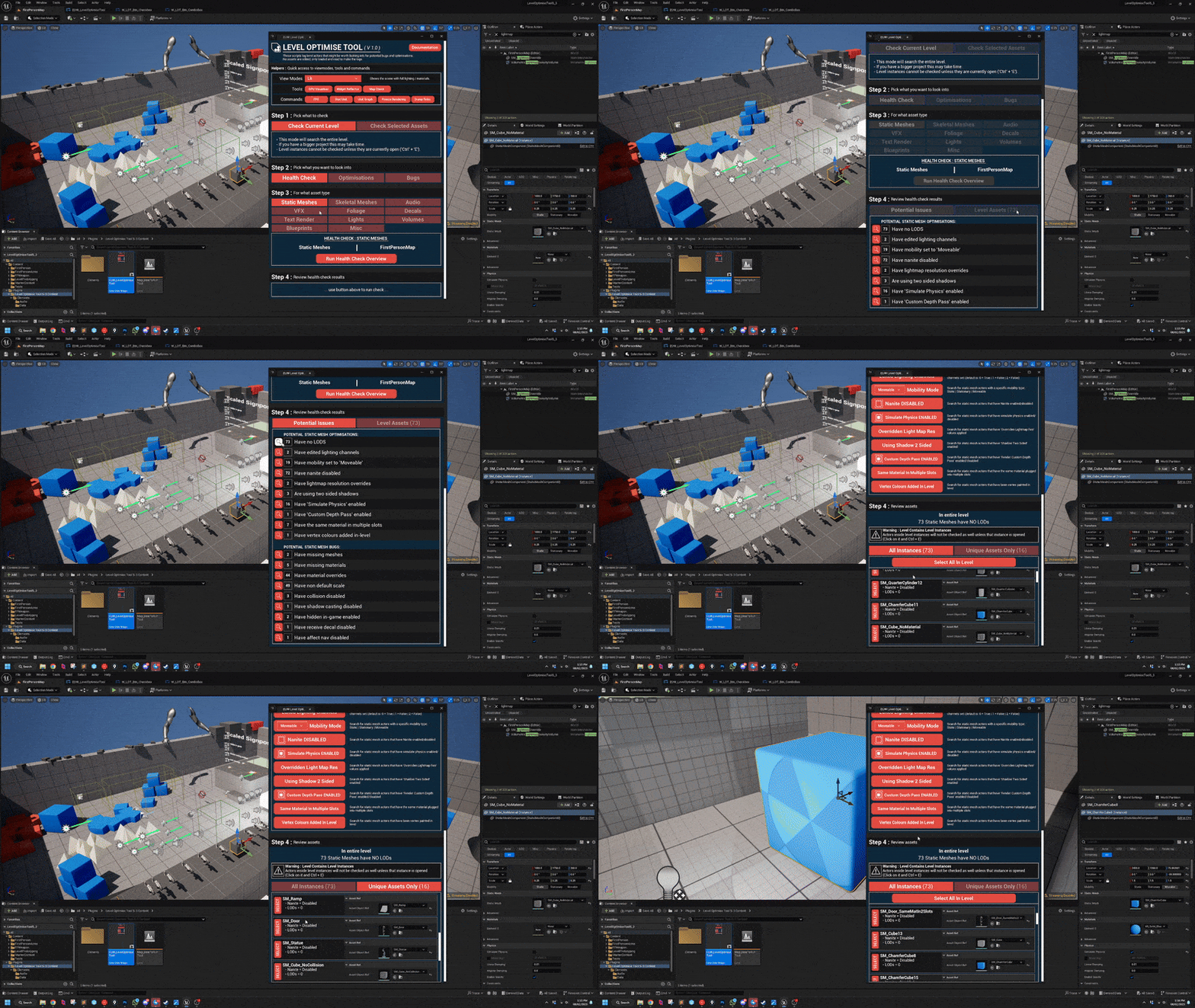
Manually checking every actor in your level for issues is time-consuming, tedious and honestly just unrealistic. It’s like searching for needles in a haystack.
Level Optimise is designed to help you quickly find those needles
The hidden performance drains and potential problem spots scattered throughout your level.
Here are just a few of the key optimisation issues the tool can highlight, helping you claw back valuable FPS:
Lights with no Max Draw Distance set
Lights with Cast Shadows enabled
Static meshes with Nanite disabled
Skeletal meshes with no LODs
... and many more (93 targeted searches total, to be exact!)
Watch my short overview video below if you want a quick rundown of everything Level Optimise can do!
I hope you find the tool useful, and let me know any ideas you have for ways to improve it!