
Someone on Twitter suggested today’s quick dev tip to me; it’s something I didn’t know you could but it has the potential to save you countless hours!
Did you know you can copy and paste entire functions between Blueprints… and even between different projects?
If you would prefer to watch my video version, check it out here
This is a bit tricky to explain in text, but I’ll give it my best, and remember, you can always watch the video version above if anything here feels unclear.
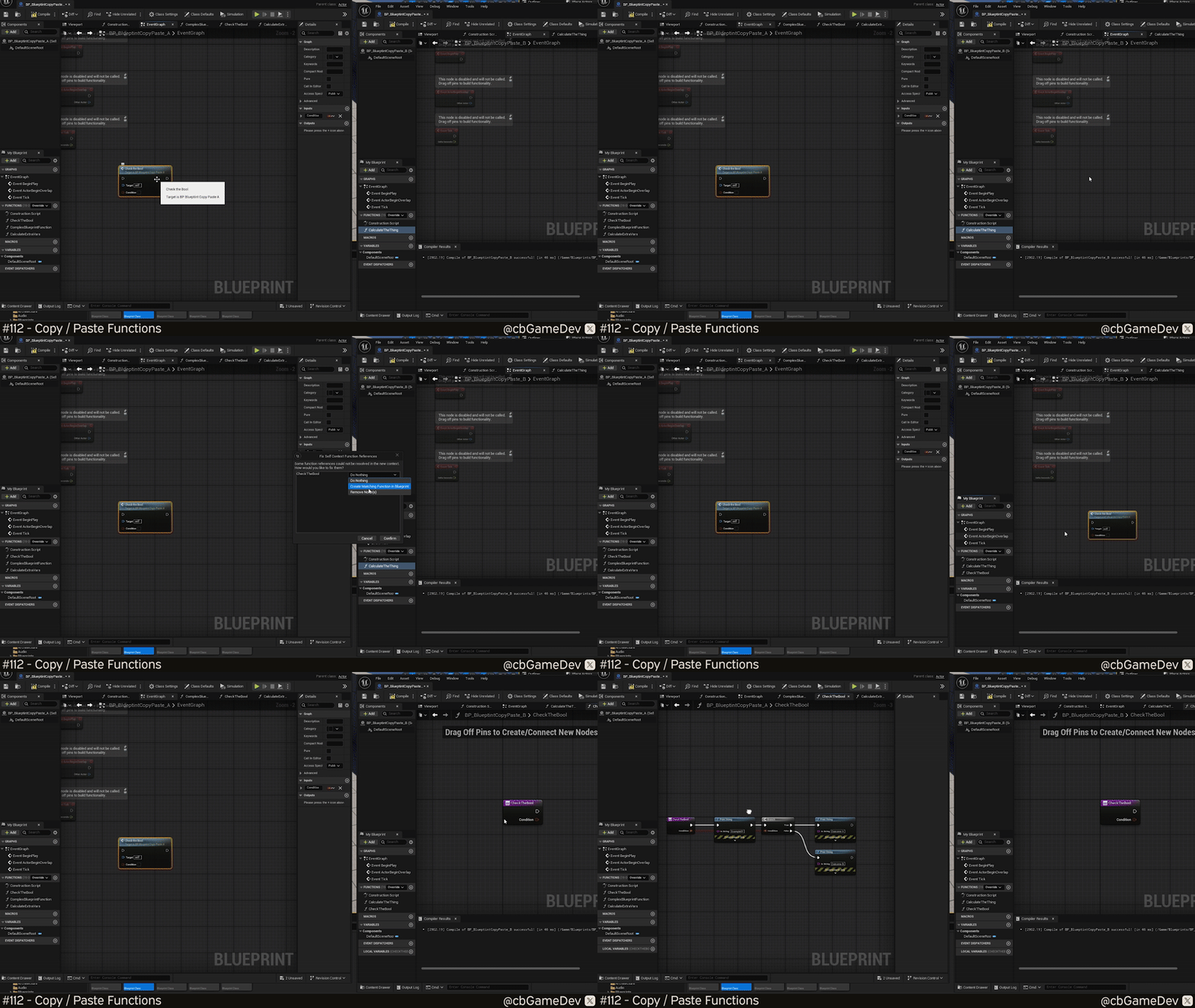
If you try to copy-paste nodes between blueprints you run into a problem. Unreal will create the function with the correct inputs, but the function itself will be empty. None of the logic, nodes, or wires inside the function gets carried across. Meaning… you’d still have to manually recreate everything inside the function.
You can see exactly what I mean in the GIF below.
However, I found out about a way to actually do this properly the other day.
Instead of copying the nodes inside the function, you can right-click the function itself in the Functions list and choose Copy.
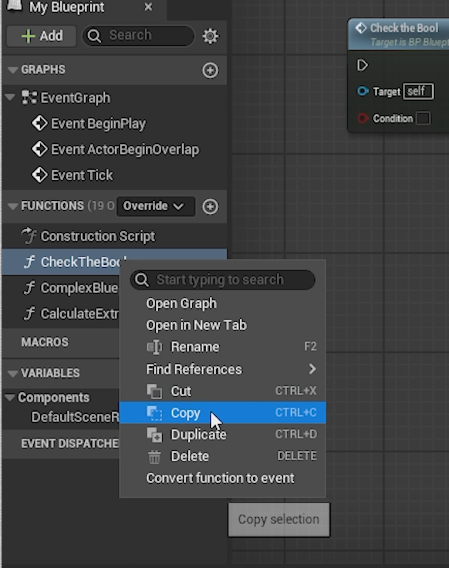
Then we need to paste it into the other Blueprint we want to use it in.
However, here’s the slightly confusing part: if you right-click in the Functions list, you’ll notice there is no Paste option.
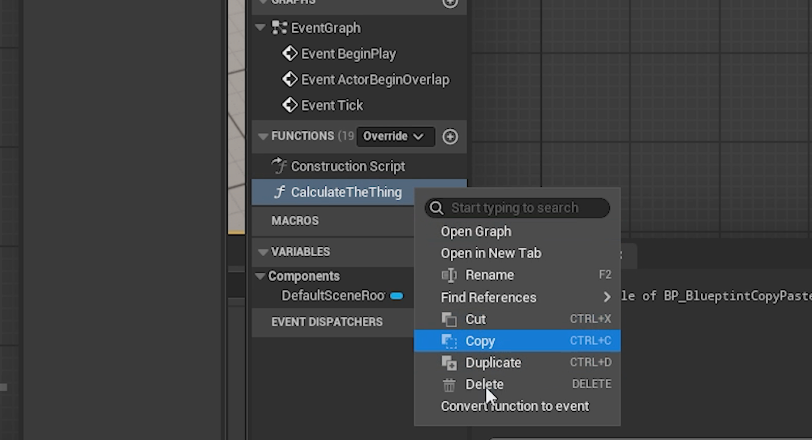
The way to get around this is to select any function in the list and then use the standard paste shortcut: Ctrl + V.
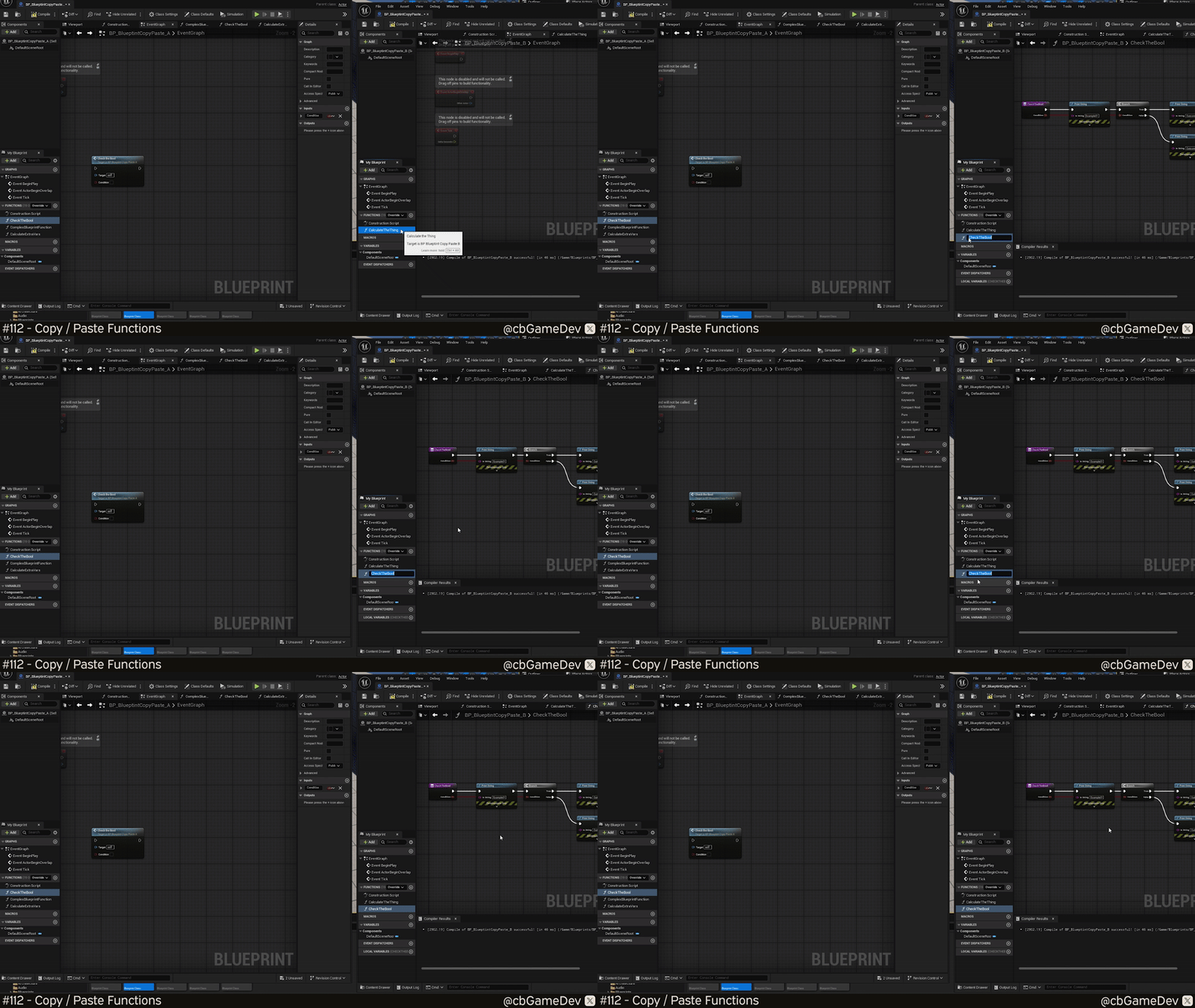
You can see this in the GIF below, although it’s a bit hard to spot because I have to use the keyboard shortcut rather than a right-click menu option, but as you can see, the function gets pasted across, and it keeps all of its internals as well. Hooray!
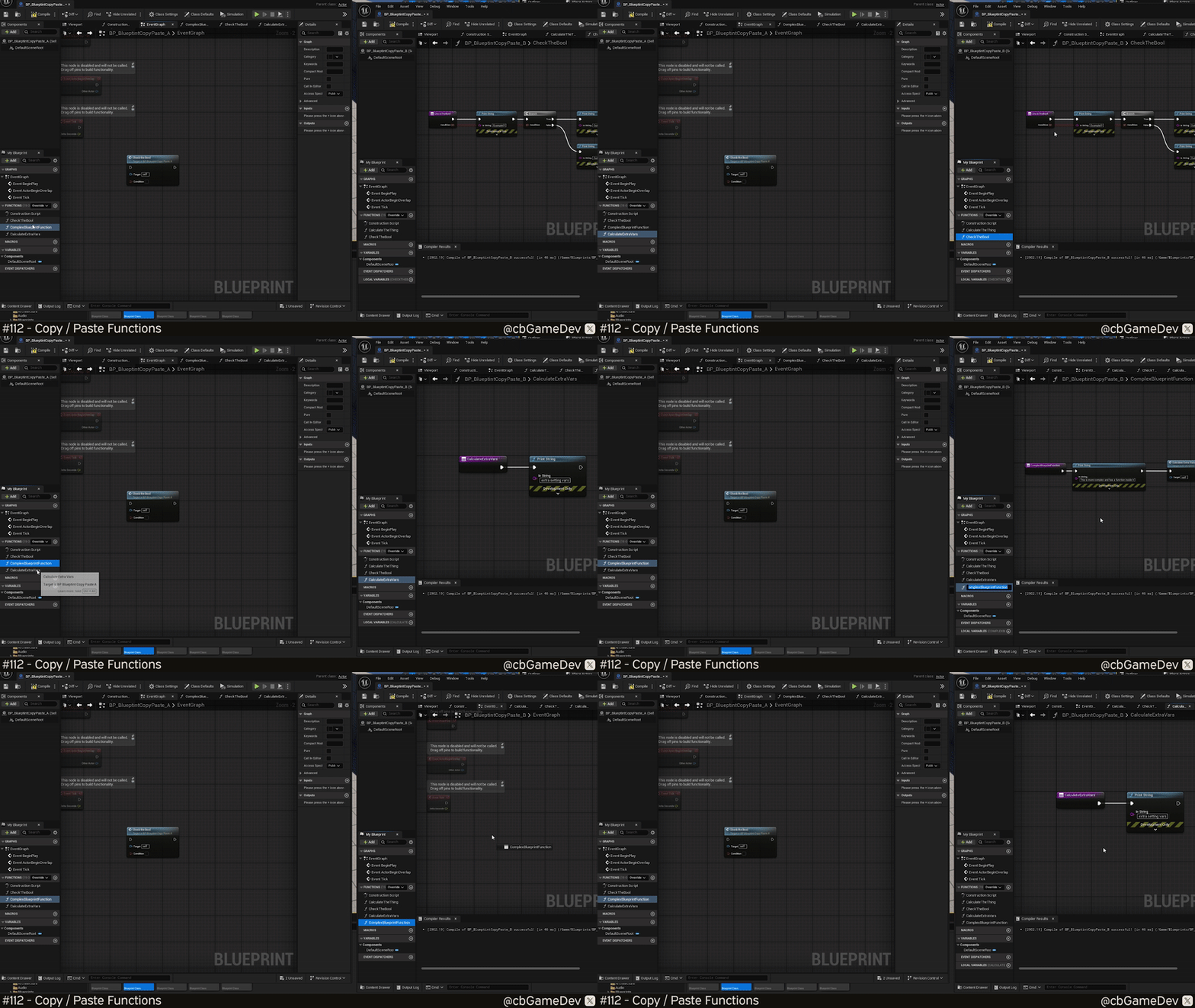
There is one caveat to be aware of: if you copy a function that calls other functions inside it, Unreal will only bring across the top-level function — not the ones it depends on.
The way around this is to think hierarchically.
Copy and paste the inner functions first, and then paste the main function that references them. In the GIF below, you can see me copying the supporting functions over first, and then finally pasting the top-level function so everything links correctly.
It can be a little confusing at first, but once you understand the hierarchy, this method still saves you a huge amount of time compared to rebuilding entire functions from scratch.
The cool thing about this is that it doesn’t just work between Blueprints in the same project — you can actually copy and paste functions between entirely different projects as well. I honestly think this is a bit of a game-changer. It’s already saved me a bunch of time.
Just the other week, I was moving some logic from the Animation Sample Project into my own project, and I was making use of this technique to make the whole process so much smoother.
I really think this has the potential to save you a lot of time, so I hope you find it useful!
Want to know when I release new quick Unreal tips & tricks?
Enjoyed this? Check out my other work: